CompareSkool alternativeUpdated October 2026
Your community, on your site. Not another group on skool.com.
Skool gives every group the same layout on skool.com. Drate gives you a website and app made around you, on your own domain and in your look, with your community, courses and members-only posts and video together. It’s ready in minutes.
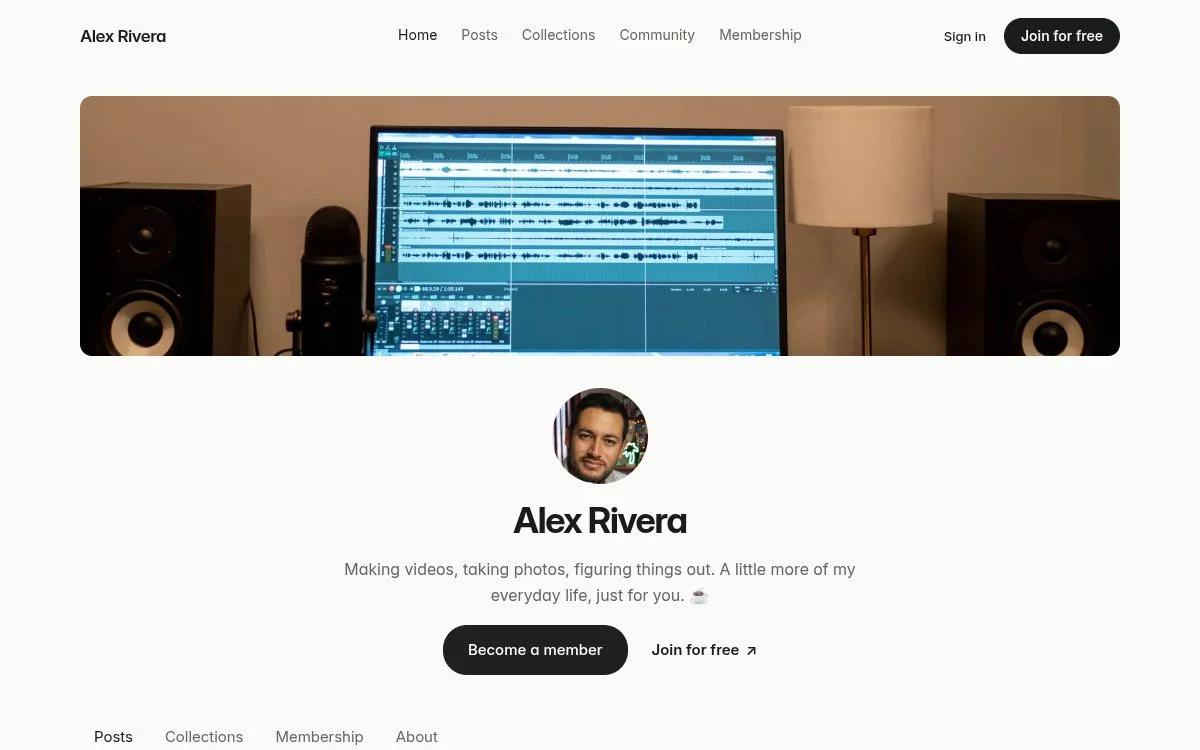
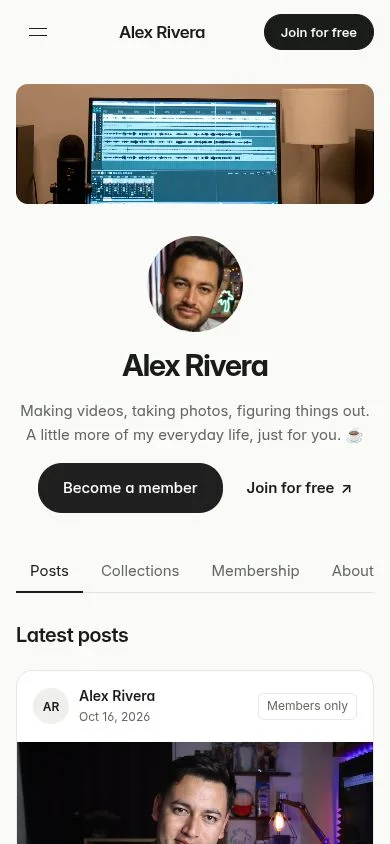
Why creators leave Skool.
Same layout as every group.
Every group gets Skool’s layout on skool.com. Even Pro’s custom URL is a skool.com address, and Hobby groups keep the one Skool gives them. On their phones, members use the Skool Communities app, next to every other group they’ve joined.
10% + 30¢ on Hobby.
Hobby takes 10% + 30¢ of every payment, and lower fees mean Pro at $99 a month. Skool keeps its fee even when you refund a member.
30% when Skool finds the member.
Growth Boost is on by default. For each member Skool brings you, it keeps 30% of their membership payments on top of its fee, for as long as they stay.
What you get on Drate.
Your website and your app.
A site on your own domain, in your look, and your own iOS and Android app on Pro. Not a group on Skool’s template.
Passes and Discord roles.
Sell fixed-length passes, give each membership its Discord roles and keep your Patreon patrons connected, beside your community feed and courses.
Paid through your own Stripe.
Members pay through your own Stripe account, not Skool’s checkout. Drate takes 5% on every plan, and Pro is $12 a month or $99 a year.
Your own app, for less than Skool Hobby.
What you’d pay on $1,000 a month from 100 members at $10, card fees included.
- Drate
- $121Drate Pro: $12 a month, 5% and Stripe’s card fees
- Skool
- $139Skool Hobby: $9 a month plus 10% + 30¢ a payment
How switching works.
Skool bills your members itself, so their memberships can’t be moved for them. Switching is something you invite them to, and your Skool group can stay open while they do.
Start your site.
Pick a starting point, add your name and choose your look. Your site is ready in minutes, and nothing is public until you publish.
Set up your memberships.
Recreate your Skool prices as monthly or yearly memberships, add passes, and map each one to Discord roles.
Bring your classroom over.
Upload your lessons and videos into courses, add members-only posts and downloads, and open your community feed.
Invite your members.
Share your new site in your Skool group. Members join on your site and cancel on Skool when they switch.
Side by side.
Everything below is included in Drate’s Regular plan unless it says otherwise.
| Feature | Drate | Skool |
|---|---|---|
| Your home | ||
| Your own website, domain and look | Included | skool.com page |
| Your own iPhone and Android app | On Pro | Not offered |
| Memberships & content | ||
| Monthly & yearly memberships | Included | Included |
| Fixed-length passes | Included | Lifetime only |
| Members-only posts, video & downloads | Included | Included |
| Courses & content library | Included | Included |
| Members community feed | Included | Included |
| Paid coaching & bookings | Included | Group calls |
| Discord roles by membership | Included | Not offered |
| Keep Patreon connected | Included | Not offered |
| Merch | ||
| Merch store | Included | Not offered |
| Print on demand, no inventory | Included | Not offered |
| Money | ||
| Monthly price | $9 or $12 | $9 or $99 |
| Fee on membership sales | 5% on every plan | 10% + 30¢ or 2.9% + 30¢, card fees included |
| Who pays you | Your Stripe, directly | Skool, weekly |
Skool details are from its public pricing and help pages, checked October 2026. Prices exclude payment processing, which applies on every platform. Plans change, so check the latest before you decide.